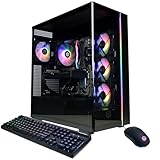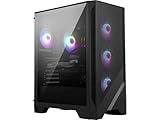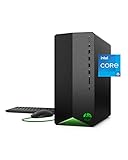
Find the best computers for DON'T SCREAM

Best PCs for DON'T SCREAM

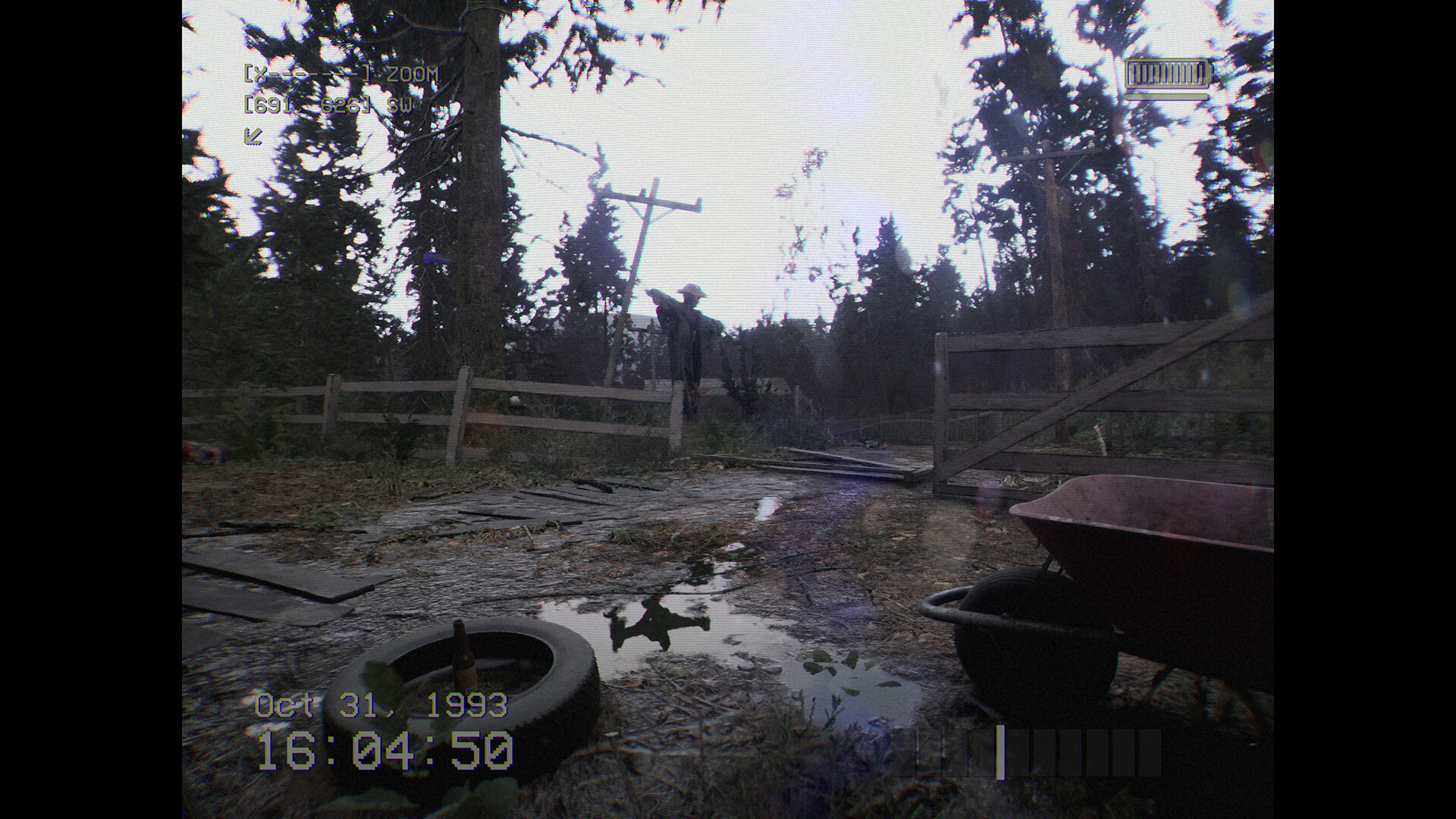
DON'T SCREAM is a simulation game created and published by Digital Cybercherries in 2024. If you scream, you restart. A jumpscare horror simulator where you walk through a pitch black forest and escape by reaching 8:00 AM.

Computer Requirements for DON'T SCREAM

The system requirements are tough, and a gaming PC with a modern graphics processing unit is vital for successfully playing DON'T SCREAM. GeForce RTX 3060 Ti or better GPU is needed.

16gb is a high amount of RAM, which has to be taken to account when choosing a computer. 8gb is enough if you only want to meet the minimum requirements.

Windows System Requirements

Minimum:
  • Operating System: Windows 10 (64 bit)
  • Processor: Intel Core i5-9600K or AMD Ryzen 5 3600
  • Memory (RAM): 8 GB RAM
  • Graphics Processing Unit: NVIDIA GeForce GTX 1050 Ti, 4GB or AMD Radeon RX 470, 4GB
  • Storage space: 17 GB available space
Recommended:
  • Operating System: Windows 10 (64 bit)
  • Processor: AMD Ryzen 7 5800X / Intel Core i5-12600K
  • Memory (RAM): 16 GB RAM
  • Graphics Processing Unit: NVIDIA GeForce RTX 3060 12 GB / RX 6700 XT GAMING 12GB
  • Storage space: 17 GB available space

Best Windows PCs for DON'T SCREAM

These computers meet the recommended system requirements and let you enjoy the game on high graphics settings without lag and stutter.

MSI Codex Z2
MSI Codex Z2
A8NVM671
Runs 90% of new games on recommendedPopular RTX 5060 Ti GPU2026 model16 GB RAMAMD CPU
$2,099.99
$1,599.00
ASUS ROG G700
ASUS ROG G700
G700TF-PB776TI
Runs 90% of new games on recommended RTX 5070 Ti GPU2026 model32 GB RAM
$2,493.99
ASUS ROG G700
ASUS ROG G700
G700TF-DB774Ti
Runs 90% of new games on recommended RTX 5070 Ti GPU2026 model16 GB RAM
$2,598.40
CyberpowerPC GMA2900A3
Runs 90% of new games on recommended RTX 5060 Ti 8GB GPU2026 model16 GB RAMAMD CPU
$1,499.99
Lenovo Legion
Lenovo Legion
90YJ00A6US
Runs 90% of new games on recommended RX 9070 XT GPU2026 model32 GB RAMAMD CPU
$2,474.53
SkyTech ST-CRYSTAL-3099-B-AM
Runs 90% of new games on recommended RTX 5060 Ti 8GB GPU2026 model32 GB RAMAMD CPU
$1,399.99
STGAubron ABR0622
STGAubron ABR0622
Runs 80% of new games on recommended RTX 3060 Ti GPU2026 model16 GB RAMi7 CPUBudget choice
$769.99
$731.49
SkyTech ST-STORM-3102-W-AM
Runs 90% of new games on recommended RTX 5060 Ti 8GB GPU2026 model16 GB RAMAMD CPU
$1,299.99
MSI Codex R2 AI
MSI Codex R2 AI
CodR2AIA2NVM7455
Runs 90% of new games on recommended RTX 5060 Ti GPU2025 model32 GB RAM
$1,788.95
Lenovo Legion
Lenovo Legion
90YJ00A9US
Runs 90% of new games on recommended RTX 5070 Ti GPU2026 model32 GB RAMAMD CPU
$2,804.02
Lenovo Legion
Lenovo Legion
90YJ00A8US
Runs 90% of new games on recommended RX 9070 XT GPU2026 model32 GB RAMAMD CPU
$2,613.00
SkyTech ST-AZURE3-2951-B-AM
Runs 90% of new games on recommended RX 9070 XT GPU2026 model32 GB RAMAMD CPU
$2,899.99
$2,499.99
Use the gaming PC Finder

Budget Windows PCs for DON'T SCREAM

These cheaper options meet the minimum system requirements stated by the developer. You may need to lower the graphics settings or the in-game resolution to run the game smoothly.


STGAubron ABR1824
STGAubron ABR1824
Runs 60% of new games on minimumPopular RX 580 GPU2026 model16 GB RAMi7 CPU
$619.99
$588.99
STGAubron ABR0422
STGAubron ABR0422
Runs 70% of new games on recommendedPopular RTX 2060 SUPER GPU2026 model32 GB RAMi7 CPU
$679.99
$645.99
STGAubron ABR0122
STGAubron ABR0122
Runs 60% of new games on minimum RX 590 GPU2026 model16 GB RAMi5 CPUBudget choice
$699.99
$664.99
HP Pavilion
HP Pavilion
Runs 60% of new games on minimum RX 5500 GPU8 GB RAMAMD CPUBudget choice
$729.58
HP Pavilion
HP Pavilion
TG01-2022
Runs 60% of new games on minimum RX 5500 GPU8 GB RAMAMD CPUBudget choice
$729.00
MSECORE Mini
MSECORE Mini
MAR77
Runs 50% of new games on minimum 780M GPU16 GB RAMAMD CPUBudget choice
$687.00
Use the gaming PC Finder
These recommendations are based on technical details and requirements. We can't guarantee that the game will run on every computer.