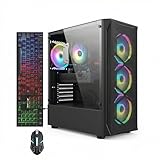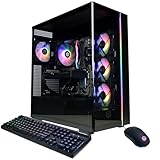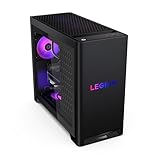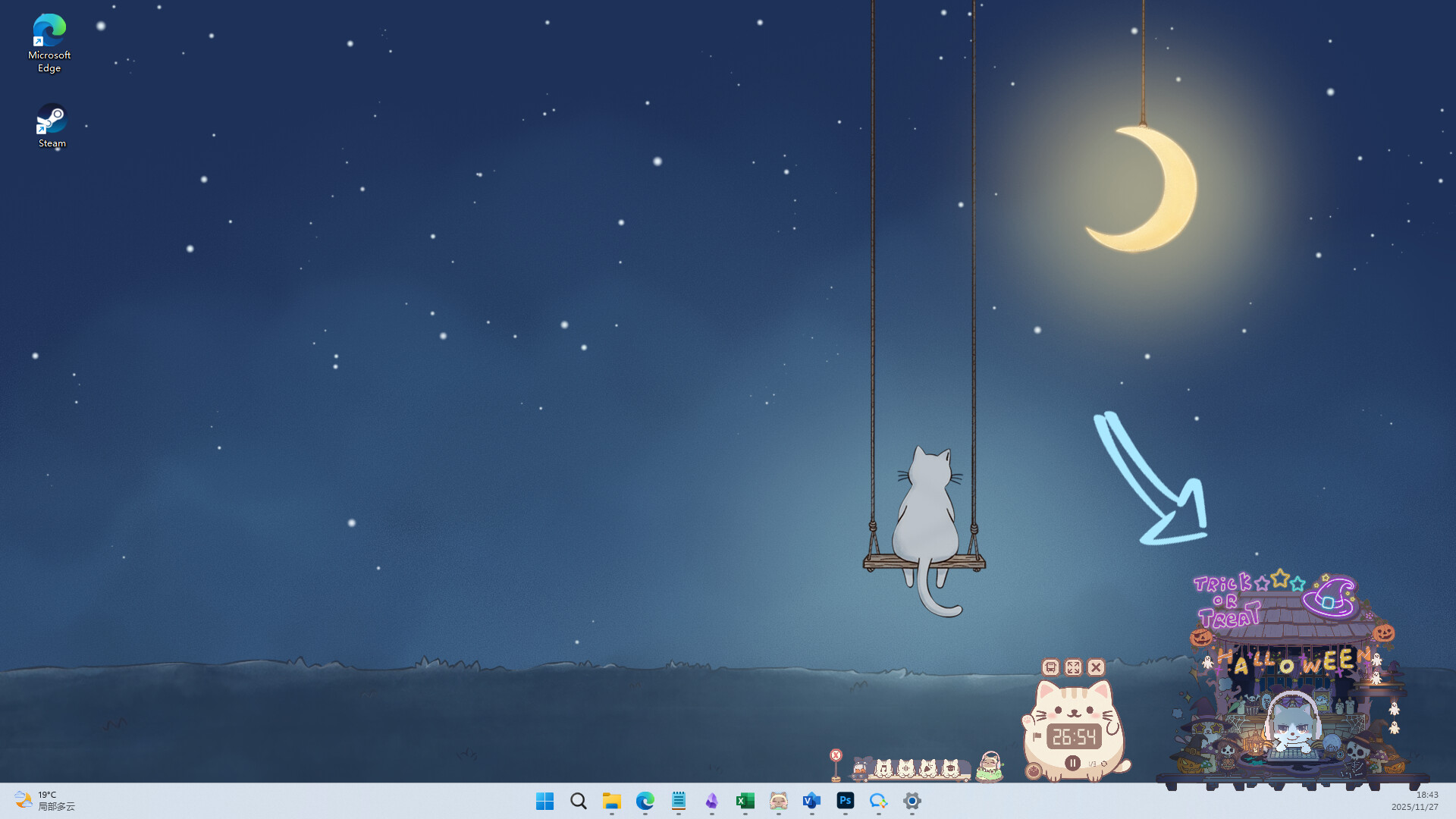
Find the best computers for NoSlack Pets: Lo-Fi Paws

Best PCs for NoSlack Pets: Lo-Fi Paws

NoSlack Pets: Lo-Fi Paws is an indie simulation game developed and published by Lynkpin Game in November 3, 2025. A warm and cozy desktop cat companion game. Let Miino keep you company while you work or study, focus with Pomodoro, Lo-Fi, to-do lists, and white noise; collect Headgear and decorations, decorate your room, join the Online Study Room, go fishing, and build your own relaxing desktop space.

Computer Requirements for NoSlack Pets: Lo-Fi Paws

The system requirements are ordinary, and it's preferred to have a gaming PC with a modern graphics processing unit for successfully playing NoSlack Pets: Lo-Fi Paws. GeForce GTX 1050 Ti or better GPU is needed.

The RAM requirement of 4gb is easily met, though 2gb is enough to meet the minimum requirements.

Windows System Requirements

Minimum:
  • Operating System: Windows 7 or newer
  • Processor: 2.5Ghz or better
  • Memory (RAM): 2 GB RAM
  • Graphics Processing Unit: Nvidia GeForce GTX 750
  • Storage space: 1 GB available space
Recommended:
  • Operating System: Windows 7 or newer
  • Processor: 2.5Ghz or better
  • Memory (RAM): 4 GB RAM
  • Graphics Processing Unit: Nvidia GeForce GTX 950
  • Storage space: 1 GB available space

Best Windows PCs for NoSlack Pets: Lo-Fi Paws

These computers meet the recommended system requirements and let you enjoy the game on high graphics settings without lag and stutter.
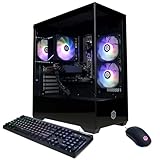
Alienware Aurora
Alienware Aurora
MVJK8
Runs 90% of new games on recommendedPopular RTX 5060 Ti GPU2025 model16 GB RAM
$1,499.99
Alienware Aurora
Alienware Aurora
9X5R4
Runs 80% of new games on recommendedPopular RTX 5070 GPU2025 model32 GB RAM
$2,079.99
Alienware Aurora
Alienware Aurora
5JY2W
Runs 90% of new games on recommended RTX 5080 GPU2025 model32 GB RAM
$3,025.00
STGAubron ABR2122
STGAubron ABR2122
Runs 80% of new games on minimum RTX 3050 GPU2026 model16 GB RAMi7 CPUBudget choice
$939.99
STGAubron ABR0422
STGAubron ABR0422
Runs 70% of new games on recommended RTX 2060 SUPER GPU2026 model32 GB RAMi7 CPUBudget choice
$719.99
STGAubron ABR0122
STGAubron ABR0122
Runs 80% of new games on minimum RX 5600 XT GPU2026 model16 GB RAMi7 CPUBudget choice
$649.99
CyberpowerPC GMA2900A2
Runs 90% of new games on recommendedPopular RTX 5060 Ti 8GB GPU2025 model16 GB RAMAMD CPU
$1,899.99
CyberpowerPC GMA2900A3
Runs 90% of new games on recommendedPopular RTX 5060 Ti 8GB GPU2026 model16 GB RAMAMD CPU
$1,499.99
$1,409.99
MSI Codex Z2
MSI Codex Z2
CodZ2A8NVP436
Runs 80% of new games on recommendedPopular RTX 5070 GPU2025 model32 GB RAMAMD CPU
$2,076.89
MSI Codex Z2
MSI Codex Z2
CodZ2B8NVL694
Runs 80% of new games on recommendedPopular RTX 5060 GPU2026 model16 GB RAMAMD CPU
$1,299.99
MSI Codex Z2
MSI Codex Z2
A8NVM671
Runs 90% of new games on recommended RTX 5060 Ti GPU2026 model16 GB RAMAMD CPU
$2,099.99
Lenovo Legion
Lenovo Legion
90YJ00A7US
Runs 80% of new games on recommendedPopular RTX 5070 GPU2026 model32 GB RAMAMD CPU
$2,441.53
Use the gaming PC Finder

Budget Windows PCs for NoSlack Pets: Lo-Fi Paws

These cheaper options meet the minimum system requirements stated by the developer. You may need to lower the graphics settings or the in-game resolution to run the game smoothly.
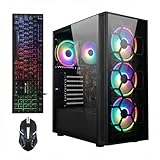
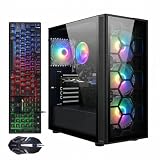
STGAubron ABR0122
STGAubron ABR0122
Runs 60% of new games on minimumPopular RX 580 GPU2026 model16 GB RAMi7 CPU
$499.99
STGAubron ABR1824
STGAubron ABR1824
Runs 60% of new games on minimumPopular RX 580 GPU2026 model16 GB RAMi7 CPU
$588.99
$559.54
STGAubron ABR0122
STGAubron ABR0122
Runs 60% of new games on minimum RX 590 GPU2026 model16 GB RAMi5 CPUBudget choice
$599.00
$569.05
HP Pavilion
HP Pavilion
Gaming Desktop
Runs 80% of new games on minimum GTX 1650 SUPER GPU8 GB RAMAMD CPUBudget choice
$649.00
Dell G5 Gaming Desktop
Runs 80% of new games on minimum RX 5700 XT GPU2026 model8 GB RAMi3 CPUBudget choice
$599.99
HP Pavilion
HP Pavilion
TG01-2003W
Runs 60% of new games on minimum RX 5500 GPU8 GB RAMAMD CPUBudget choice
$620.00
Use the gaming PC Finder
These recommendations are based on technical details and requirements. We can't guarantee that the game will run on every computer.