Find the best computers for Sins of a Solar Empire II

Best PCs for Sins of a Solar Empire II

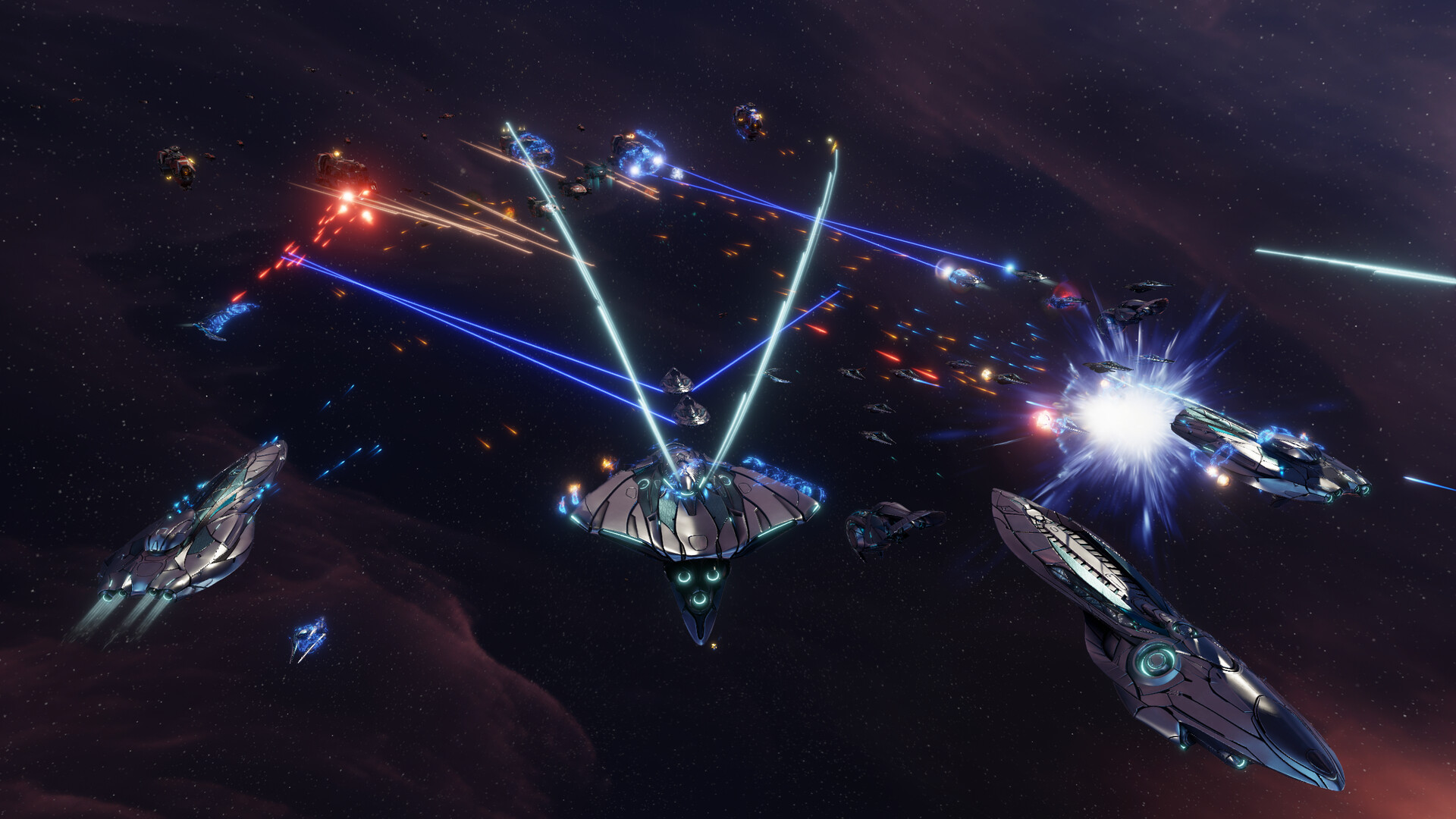
Sins of a Solar Empire II is a game developed by Ironclad Games Corporation and Stardock Entertainment and published by Stardock Entertainment in 2024. Battle for galactic dominance in this real-time 4X strategy game with unrivaled scale. You’ll explore, expand, exploit, and exterminate through military force, diplomacy, trade, culture, influence, and other underhanded tactics.

Computer Requirements for Sins of a Solar Empire II

The system requirements are demanding, and a gaming PC with a modern graphics processing unit is needed for successfully playing Sins of a Solar Empire II. GeForce GTX 1060 or better GPU is required.

16gb is a high amount of RAM, which has to be taken to account when choosing a computer. 8gb is enough if you only want to meet the minimum requirements.

Windows System Requirements

Minimum:
  • Operating System: Windows 10 v1607+ / 11 (64-bit)
  • Processor: 4-core Processor (Intel Core i5 5th-generation or AMD Ryzen 2x00 series)
  • Memory (RAM): 8 GB RAM
  • Graphics Processing Unit: 3D Video Card w/4GB VRAM (Nvidia GeForce 950 / AMD Radeon RX 450)
  • Storage space: 20 GB available space
Recommended:
  • Operating System: Windows 11
  • Processor: 8-core Processor (Intel Core i7 9th-generation or AMD Ryzen 3x00 series)
  • Memory (RAM): 16 GB RAM
  • Graphics Processing Unit: 3D Video Card w/8GB+ VRAM (Nvidia GeForce 1060 or AMD Radeon 580)
  • Storage space: 20 GB available space

Best Windows PCs for Sins of a Solar Empire II

These computers meet the recommended system requirements and let you enjoy the game on high graphics settings without lag and stutter.

STGAubron ABR1722
STGAubron ABR1722
Runs 80% of new games on minimum RTX 3050 GPU2026 model16 GB RAMAMD CPUBudget choice
$664.99
$631.74
STGAubron ABR0122
STGAubron ABR0122
Runs 80% of new games on minimum GTX 1660 SUPER GPU2026 model32 GB RAMi7 CPUBudget choice
$669.99
$636.49
STGAubron ABR0422
STGAubron ABR0422
Runs 70% of new games on recommendedPopular RTX 2060 SUPER GPU2026 model32 GB RAMi7 CPU
$679.99
$645.99
MSI Codex Z2
MSI Codex Z2
CodZ2A8NVP436
Runs 80% of new games on recommendedPopular RTX 5070 GPU2025 model32 GB RAMAMD CPU
$2,068.53
MSI Codex Z2
MSI Codex Z2
A8NVM671
Runs 90% of new games on recommendedPopular RTX 5060 Ti GPU2026 model16 GB RAMAMD CPU
$2,099.99
$1,599.00
MSI Codex Z2
MSI Codex Z2
CodZ2B8NVL694
Runs 70% of new games on recommended RTX 5060 GPU2026 model16 GB RAMAMD CPU
$1,299.00
ASUS ROG G700
ASUS ROG G700
G700TF-XS776
Runs 80% of new games on recommended RTX 5070 GPU2025 model32 GB RAM
$2,299.99
$2,099.99
Thermaltake LCGS Quartz R66
S2QT-B550-R66-LCS
Runs 60% of new games on recommendedPopular RX 6600 GPU2026 model16 GB RAMAMD CPU
$999.99
Thermaltake LCGS Quartz i1460
S2QT-B760-560-LCS
Runs 70% of new games on recommended RTX 5060 GPU2026 model16 GB RAMi5 CPUBudget choice
$989.99
Thermaltake LCGS View i1470S-170
V17S-B760-570-LCS
Runs 80% of new games on recommended RTX 5070 GPU2026 model32 GB RAMi7 CPU
$1,999.99
ASUS ROG G700
ASUS ROG G700
G700TF-DB774Ti
Runs 90% of new games on recommended RTX 5070 Ti GPU2026 model16 GB RAM
$2,598.40
SkyTech ST-STORM-3102-W-AM
Runs 90% of new games on recommended RTX 5060 Ti 8GB GPU2026 model16 GB RAMAMD CPU
$1,299.99
Use the gaming PC Finder

Budget Windows PCs for Sins of a Solar Empire II

These cheaper options meet the minimum system requirements stated by the developer. You may need to lower the graphics settings or the in-game resolution to run the game smoothly.

STGAubron ABR1824
STGAubron ABR1824
Runs 60% of new games on minimumPopular RX 580 GPU2026 model16 GB RAMi7 CPU
$619.99
$588.99
STGAubron ABR0122
STGAubron ABR0122
Runs 60% of new games on minimum RX 580 GPU2026 model16 GB RAMi7 CPUBudget choice
$471.54
$447.96
STGAubron ABR0122
STGAubron ABR0122
Runs 80% of new games on minimum RX 5600 XT GPU2026 model16 GB RAMi7 CPUBudget choice
$586.61
$557.27
Use the gaming PC Finder
These recommendations are based on technical details and requirements. We can't guarantee that the game will run on every computer.